 Satisfactory Production Planner
🇯🇵 日本語
Satisfactory Production Planner
🇯🇵 日本語
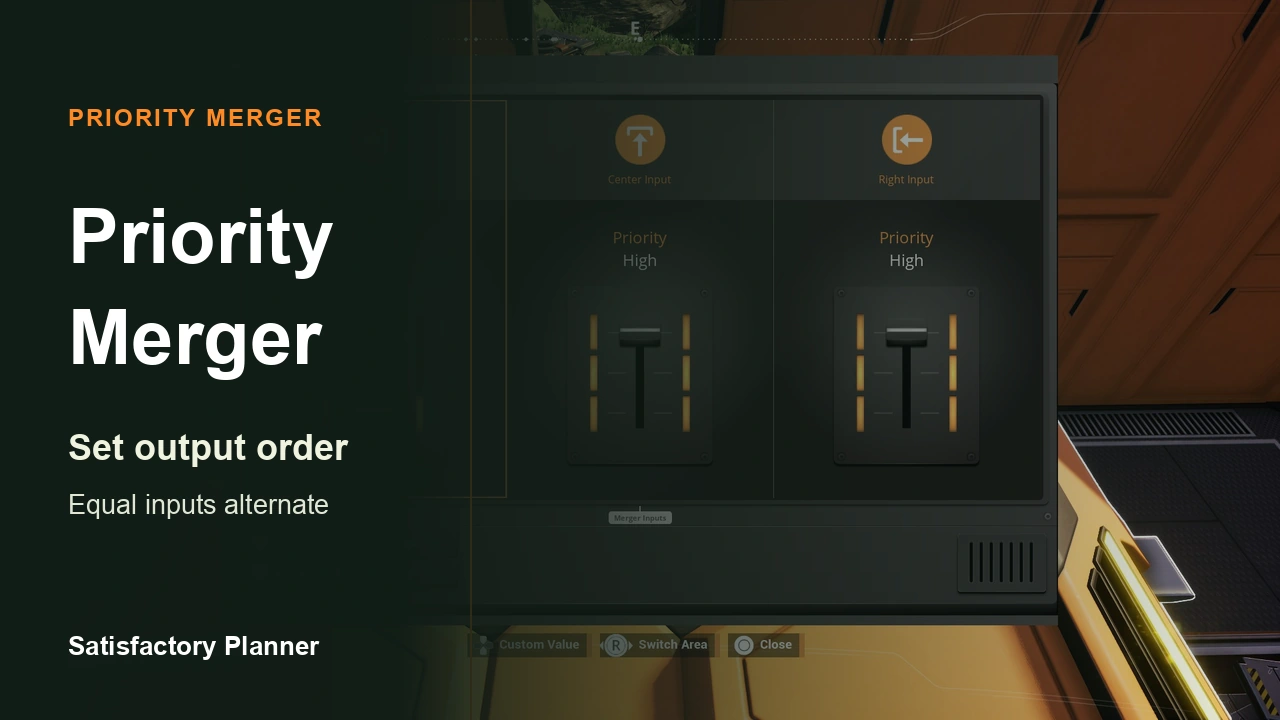
A Priority Merger sets output order
A Priority Merger combines multiple belt inputs and lets you assign a priority to each input. Coffee Stain’s stable Update 1.1 notes describe three priority levels. Among active inputs, higher-priority inputs are output first. If two inputs share the same priority, output alternates between them.
Priority here specifies output order. The official notes do not establish that a higher-priority input completely blocks every other input until it is depleted, or that two inputs are blended at a fixed ratio. When assigning priorities, start by asking which input you want output first when the inputs compete for the shared output.
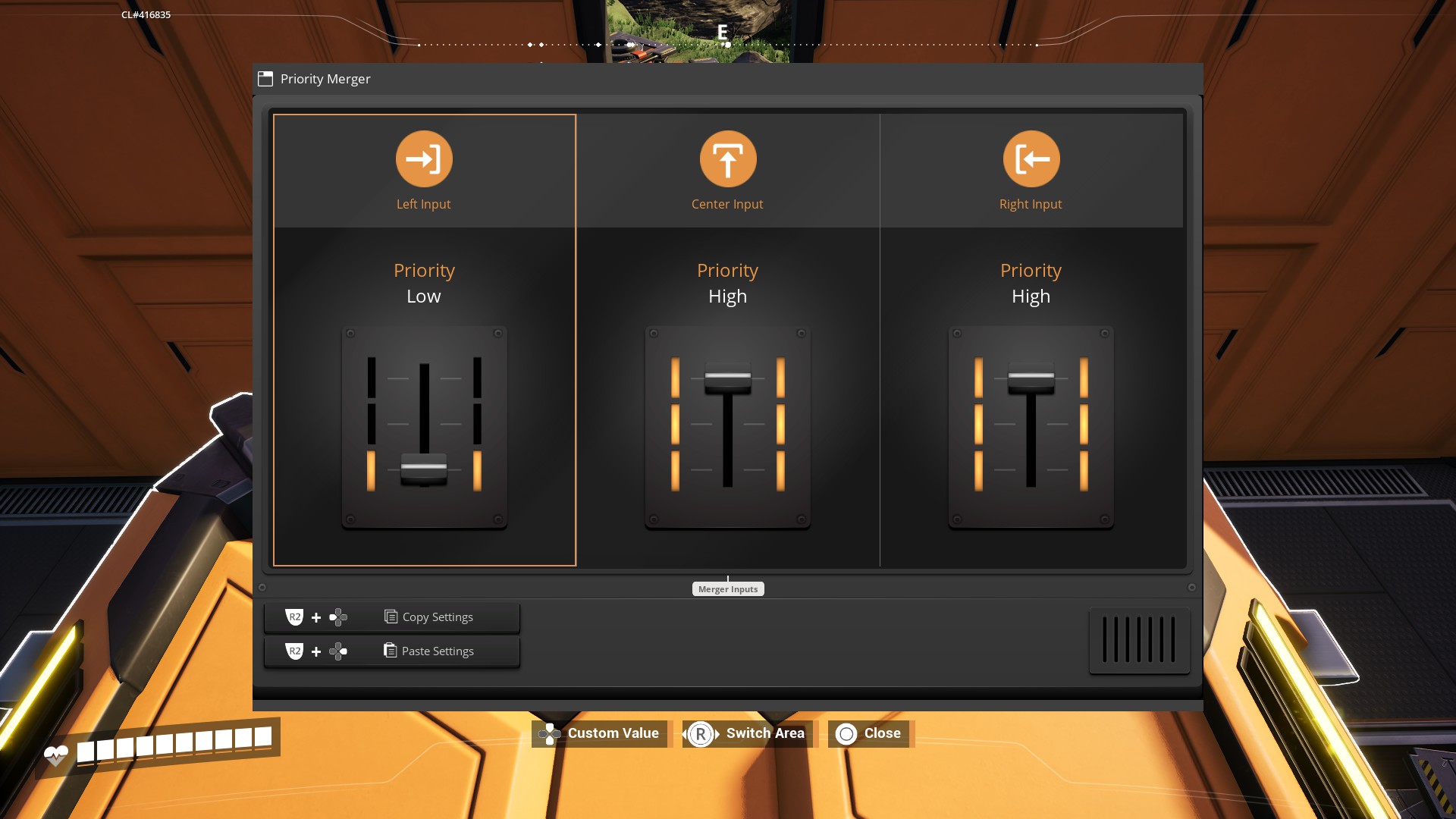
Example: an Iron Ore supply line with a backup belt
Suppose a smelting line needs Iron Ore from the factory’s local supply and a backup delivered from elsewhere. If both inputs are active and their combined flow exceeds the capacity of the shared output belt, the inputs compete for output. In this situation, decide which active input you want to output first. You can assign that source a higher priority and use the other as a supplementary input.
Both inputs in this example carry Iron Ore. That is a condition of this source-priority example; it is not a general claim that a Priority Merger accepts only identical items. If you handle different items, design the downstream line so its machines receive the items they require.
Priority sets output precedence. This example does not guarantee that source A will always be fully consumed before source B is used, or that the two sources will be blended in a particular ratio. Actual flow depends on input supply, downstream acceptance, output-belt capacity, and blockages. This is an illustrative layout, not a measured in-game setup.
What to check when configuring it
If input order does not matter, a regular Merger may be enough. Use a Priority Merger when you want to control which input has output precedence, not as a way to set a required percentage between sources.
- Identify the inputs you want to prioritize and decide which should have output precedence.
- The official notes confirm three priority levels and alternation for equal-priority inputs. The exact current Japanese UI labels have not been verified; check the names shown in your game.
- Separately check whether the output belt can carry the required flow and whether downstream machines receive the items they need. Priority does not increase belt capacity.
- Record the conditions and observe the inputs and output. Do not treat an untested outcome as guaranteed by priority alone.
How this differs from Planner output
A production plan can compare planned supply with downstream demand. Placing a Priority Merger in a plan does not measure in-game input competition or output order. Check demand and belt capacity in the plan, then observe the actual inputs and output in the game.