 Satisfactory Production Planner
🇯🇵 日本語
Satisfactory Production Planner
🇯🇵 日本語
Do not treat the first reading as settled
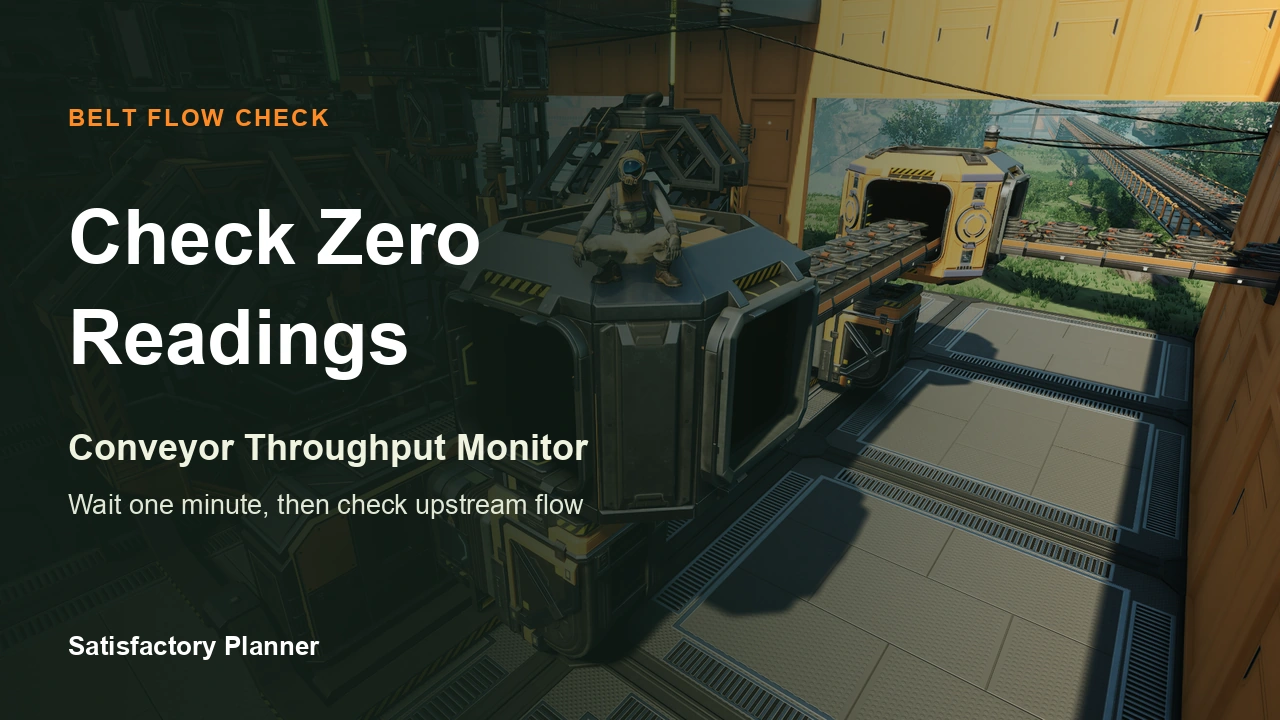
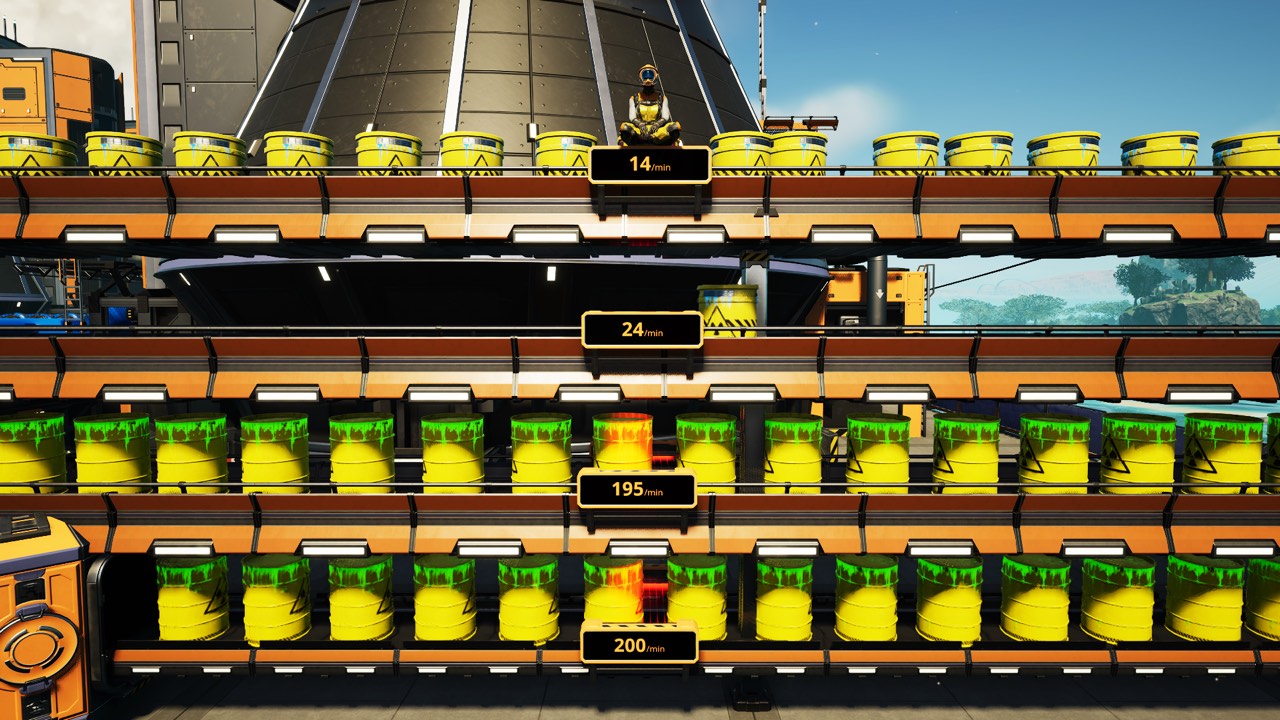
The Conveyor Throughput Monitor is a buildable belt attachment that displays the number of parts travelling along a conveyor. Coffee Stain’s Update 1.1 notes say it needs a full minute of data to display its most accurate results. Do not diagnose a supply shortage from the display immediately after installation.
Attach it to the belt segment you want to inspect, let the relevant parts begin passing it, and wait at least one minute before reading the result. This is a practical wait based on the developer’s stated data requirement. This draft has not tested whether refresh timing or short-term variation is the same in the current 1.2.x build.
Treat the display as an observation, not a plan
The display answers how many parts passed the belt segment where the monitor is installed. It does not, by itself, state the designed production rate of the whole factory or the demand of downstream machines. When comparing it with a production plan, first match the item and belt segment, then compare readings from the same period.
If the number is lower than expected, inspect the route before changing machine clock settings:
This is a diagnostic order, not a complete list of causes established by the Update 1.1 notes. Those notes do not explain every possible low reading.
- Check that the item is actually passing the monitor.
- Inspect the upstream belt and any splitters or mergers for stopped flow or a diversion onto another route.
- Confirm that the monitor has had at least one minute to collect data.
- Recheck after a little more time under the same conditions; do not treat one reading as proof of a persistent shortage.
Record conditions and game version for a zero or missing display
The Update 1.1 Experimental v1.1.0.4 fix list includes cases where a monitor displayed “0 items/min” after being moved too far in certain scenarios or after a Splitter or Merger was used on the monitored belt. It also records a monitor disappearing after a save/load in some scenarios, and a change under which monitors are dismantled and refunded when belts are upgraded or downgraded.
These are fixes and a change recorded in Experimental Update v1.1.0.4. The Experimental record does not establish that the same fixes shipped unchanged in stable 1.1 or that the same issues affect every current version. If you see a zero or missing display now, record the game version and whether you moved the monitor, added a splitter or merger to the monitored section, changed the belt, or saved and loaded. Before assigning a cause, collect data for at least another minute and, if needed, reinstall the monitor and check the display. These are troubleshooting steps; this draft has not reproduced or confirmed a fix for 1.2.x.
Keep Planner output separate from in-game measurement
Satisfactory Planner calculates a plan from the selected buildings, recipes, operating rates, and other inputs. It does not measure parts that actually passed an in-game belt. If the plan and monitor differ, compare the plan assumptions, item, observed belt segment, and measurement wait separately. The monitor alone cannot prove that a production-plan setting is correct or incorrect.